How to log into your Black Ops Market account
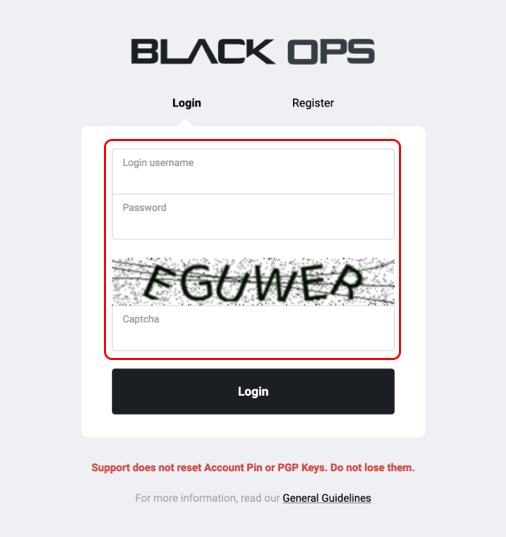
Step 1
When you visit Black Ops, you will always have to first log into your account. We do not allow the site to be publicly available for safety reasons. You will need all the information from your account that is requested, as shows in the highlighted are above.
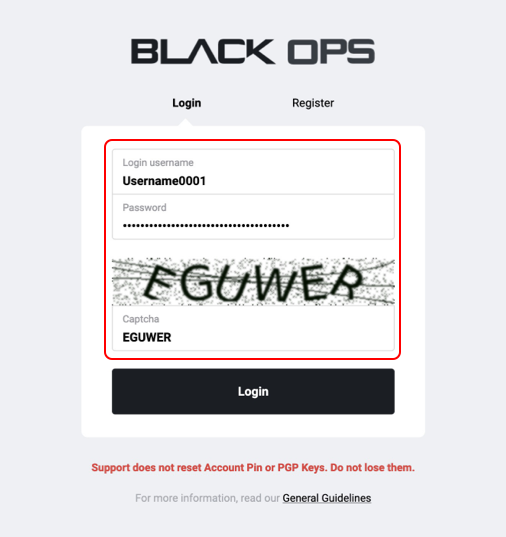
Step 2
After filling in your Login username, Password and completed the captcha correctly, you can now click the ‘Login’ button to log into Black Ops Market. After this step, you will have to decrypt a PGP message because all Black Ops accounts have a mandatory 2FA feature, for added security.
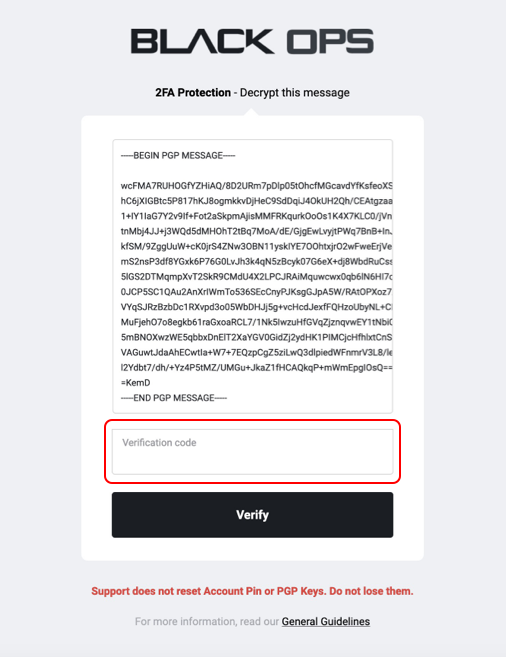
Step 3
After clicking the ‘Login’ button, you will see a PGP message that you need to decrypt with the key you entered during the account registration process. You will have to decrypt this using your own key and enter the decryption code you receive back after decrypting the PGP message. After clicking ‘Verify’ (and your decryption key is correct) you will then be brought to the market.